










Sportplan rugby has played a large role in my team's love for the game!

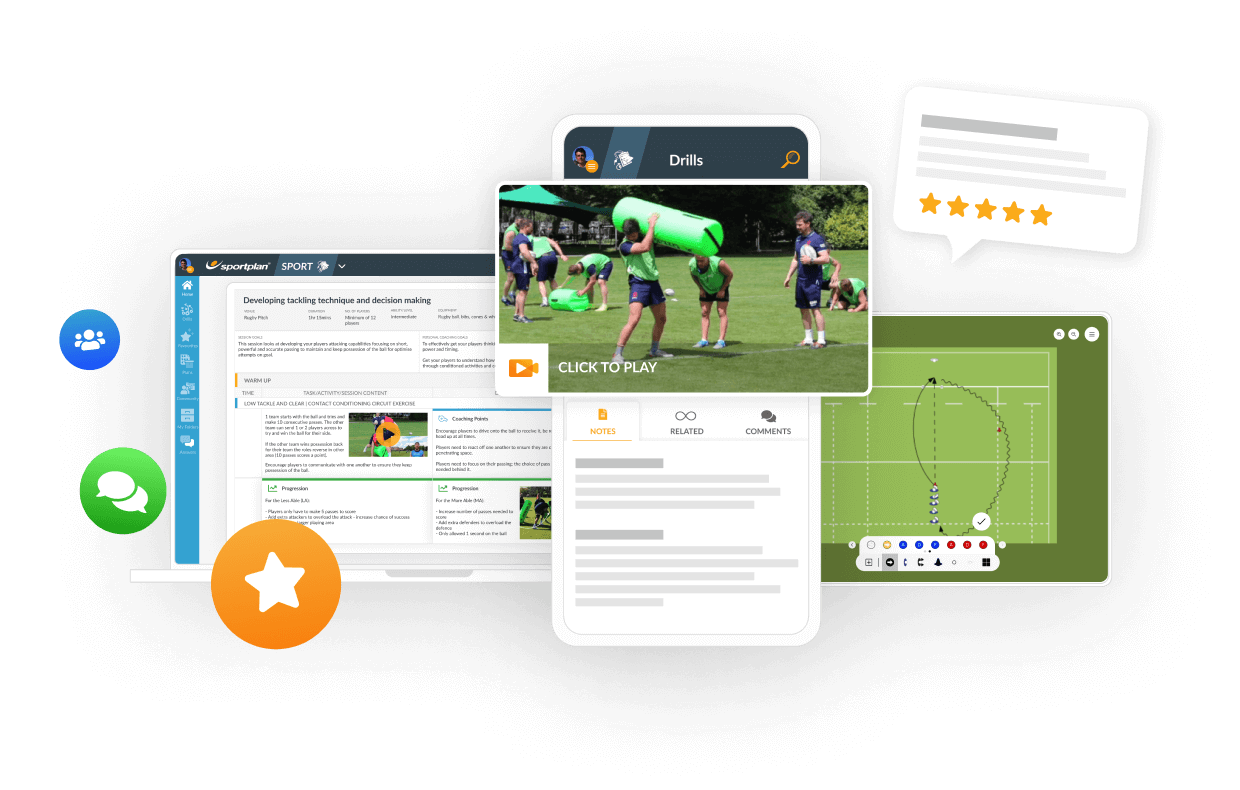
Ask a question and have it answered by Coaches from around the world and Sportplan's team of Experts.

I am trying to put my own moves into the planner session but am finding it difficult get to the correct page as the demo shows .Can you give me a step by step procedure,thanks
I chose some session plans and saved them to my clipboard but how do I find my saved clipboards?
how do i save a sketch from a plan?
Canât work it out how you do a session plan Asked using Sportplan Mobile App
hello, since I bought the full version, I cannot see where the clipboard is. I would like a clipboard to drown my own drill.
How do i copy drills into a folder
How do I add a drill to clipboard or session plan
How do I make a plan?

how do i transfer drills from my clipboard to my plan
I have created a clipboard and now need to know how to share with my colleagues at School. Can you assist me with this?Thanks, Nao
Previously used this app and as I'm coaching again this season I've started using it again, previously never had much of an issue creating different training sessions.However, it seems now it is only possible to save exercises to your clipboard before then having the clipboard appear in your folders (which it has also disappeared for some reason for me)Ultimately the above makes for a really poor user experience where I get frustrated I can't just create a new session each week and place drills in that session. I like having a resource to view potential drills, etc but the above stops me being able to actually use it during a training session.More of a comment than a question but wanted to give my feedback.
how to create a new clipboard
Is there any way of adding plans to my clipboard in the same way as drills are added to my clipboard?
is there a way I can move a drill from the clipboard to a folder I created.

how do i add drills to my clipboard
How do I add a drill to clipboard or session plan
I chose some session plans and saved them to my clipboard but how do I find my saved clipboards?
in more ways than one
 sportplan_rugby
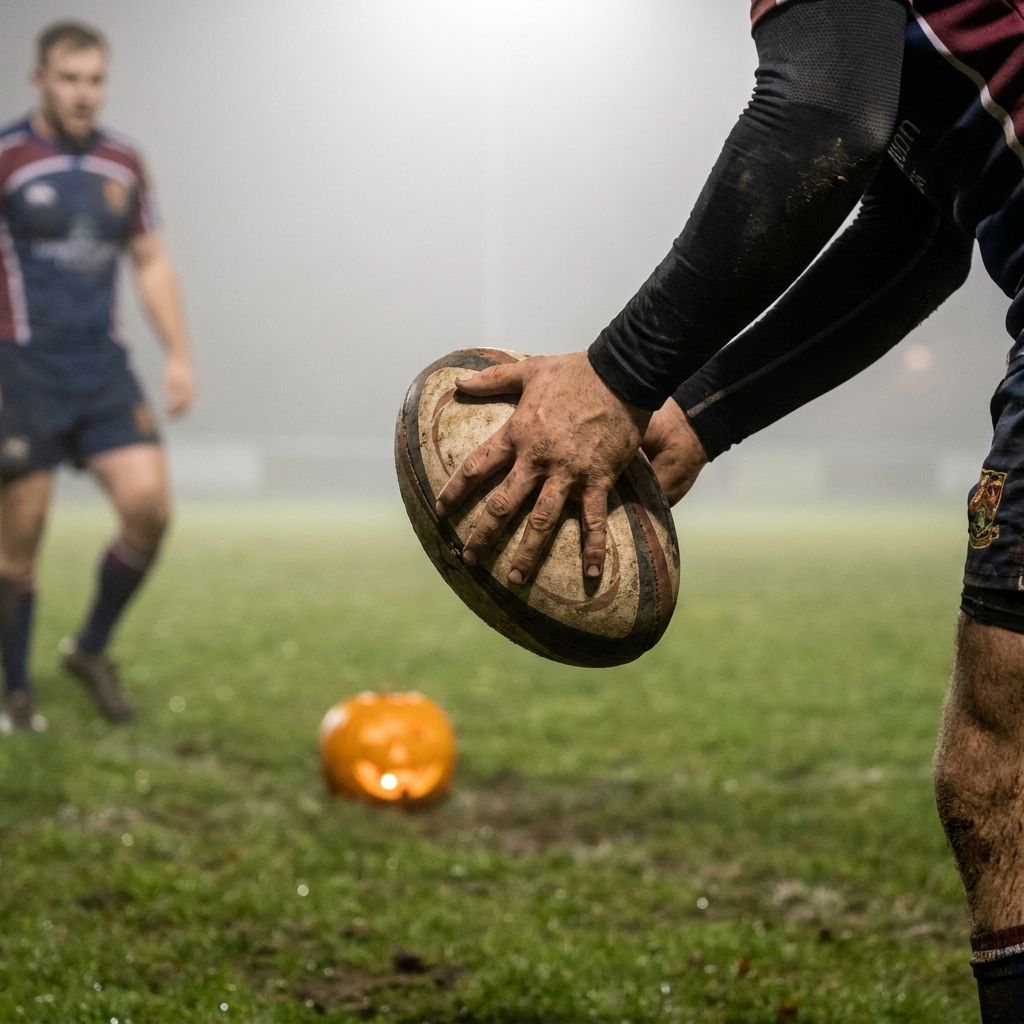
The isolated ball carrier is rugby's spookiest turnover. Here is the five-step fix, plus drills that rebuild support lines fast.
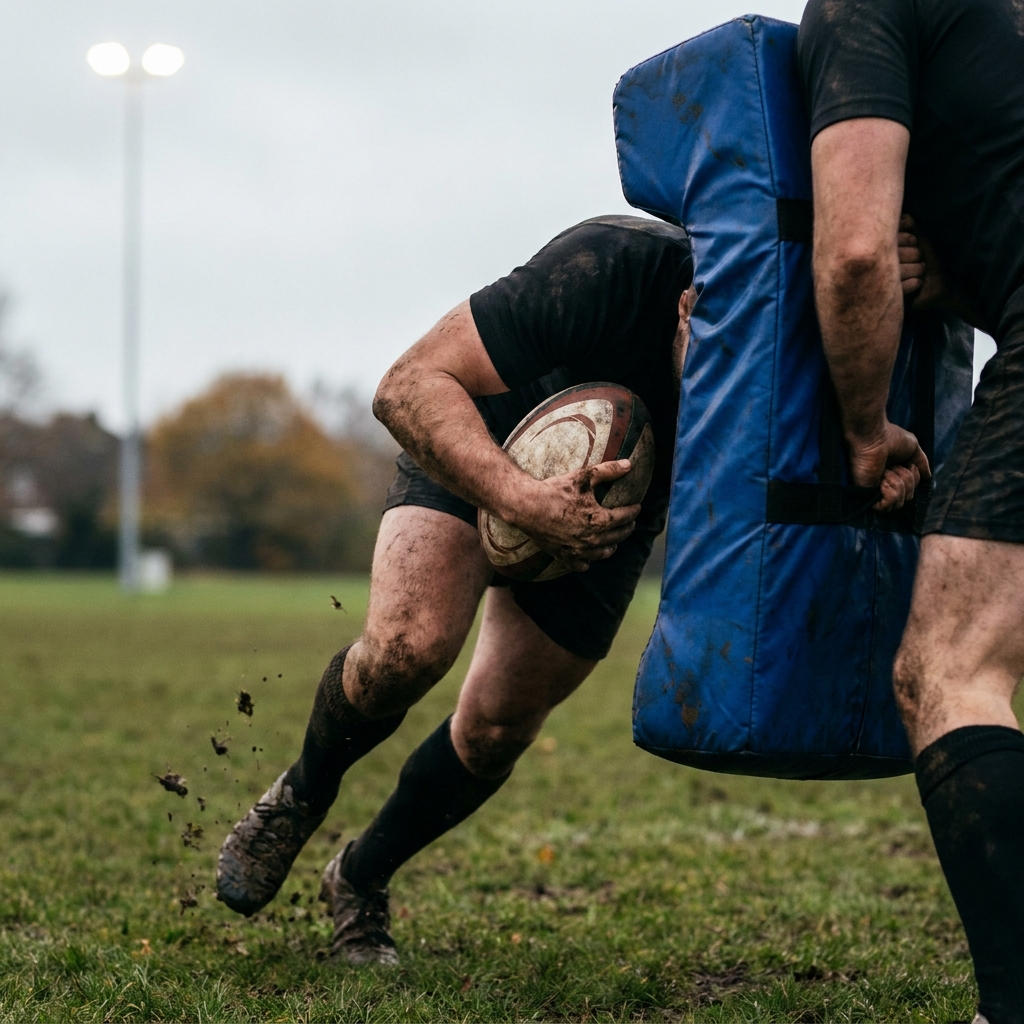
Tacklers are aiming lower, so carriers who dip late put heads at risk. Teach footwork, a strong early body height and leg drive to win the collision safely.
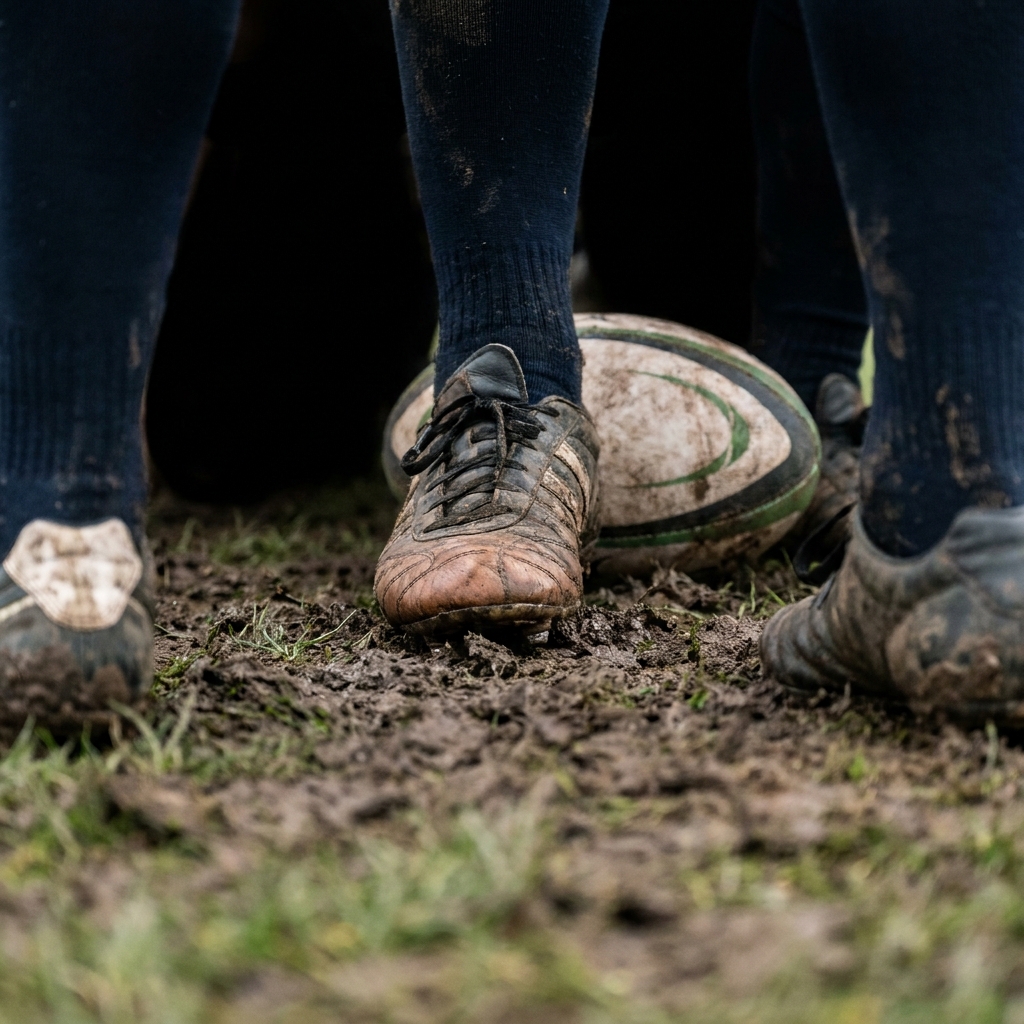
The hooker's brake foot moved from trial into full law in July 2026. Here is how to coach it so your front row stays stable, legal and safe.
Coaches from around the world look to Sportplan for coaching confidence.
Sportplan rugby has played a large role in my team's love for the game!

I am so pleased with all of the drills and advice on rugby. I am a player for my local club and we don't have a coach at the moment so I, as a senior player, am filling that gap. With your help, the team has been able to improve our skills.

Your tips and session ideas have really brought some interest back to our rugby training. The players and I now really enjoy our training sessions.

Wow what a great website, I have found sportplan an important tool for me when planning my netball sessions with my netball team. There are alot of very helpful tips/ideas/skills that I can learn and teach to my team. Thank you sportplan I hope to continue to use your helpful tips and to learn more about improving my teams netball skills. Thanks again....keep it up....

I have been using Sportplan now for 3 years and can honestly say that I have never repeated the same session twice. My girls are always focused and are improving every year. Thanks Sportplan.
What a fantastic tool. The Chalkboard and session tools make an unbelievable difference in making training plans in both time and organization. I will be instructing all of my assistant coaches that this tool must be used for all sessions during the season, so that we may build a club coaching resource library.
I can't get enough of the Sportplan, It has given me back the enthusiasm i was starting to lose. My girls are so keen and are ready at 14 to take the next up in their game. Sportplan will help no end.