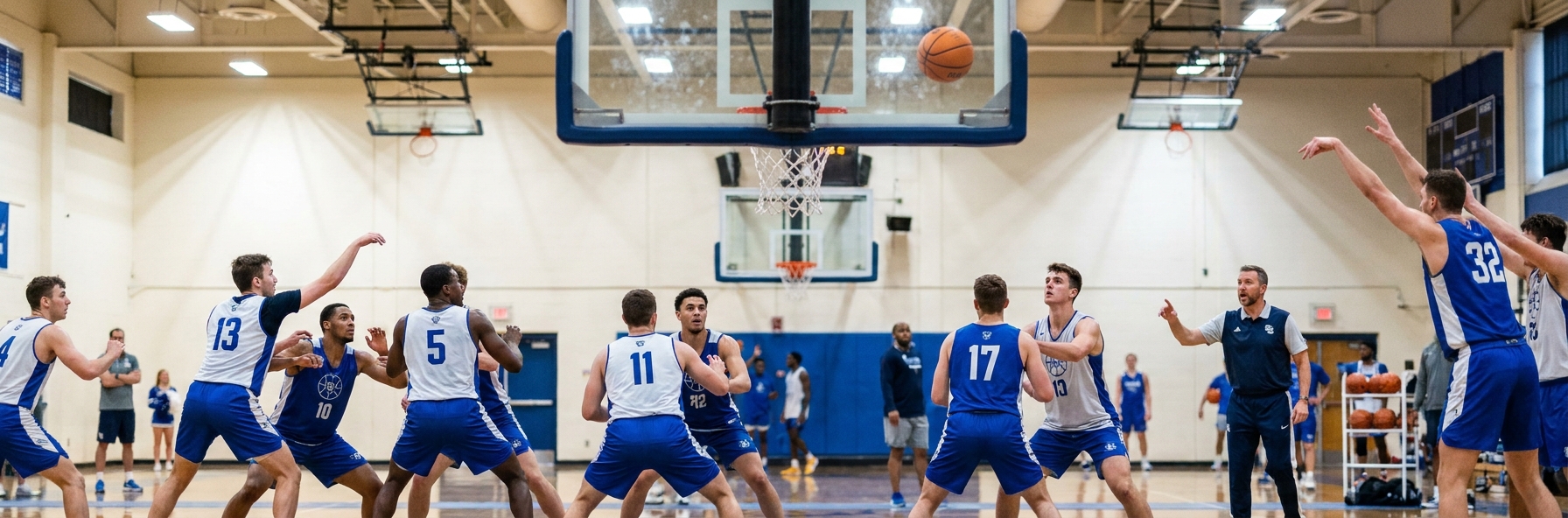
Rebounding is not a talent. It is a decision that a player either makes or does not make, roughly sixty times a game, in the second after a shot goes up. Teams that make it consistently win possessions they have no business winning; teams that watch the ball give away second chances all night.
Because it is a habit rather than a skill, rebounding responds to coaching faster than almost anything else you work on. A team that spends fifteen minutes a week on boxing out will look different within a month.
Why Players Do Not Box Out
The main reason is that watching the ball is more natural than finding a body. Every instinct tells a player to track the flight of the shot, and while they are doing that, their opponent has already moved past them.
The second reason is that boxing out is thankless. Nobody records it, nobody cheers it, and the player who does the work often is not the one who collects the ball. Unless you make it visible and valued, players will quietly stop doing it.
The third is that it is genuinely tiring, and it is the first thing to disappear in the fourth quarter, which is precisely when it decides games.
The Mechanics
The sequence is simple and it has to be automatic: shot goes up, find your opponent, make contact, then find the ball. Most players do those in the wrong order or skip the middle step entirely.
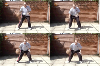
Contact is the part that gets coached least. A box out is not a passive turn and a stand; it is an active push into the opponent that establishes position and moves them away from the basket. Feet wide, low base, forearms up, backside into the opponent.
Then, and only then, go and get the ball. Pursue it with two hands, land in a balanced position, and secure it before thinking about the outlet.
Making It a Team Habit
Step One: Give it a standard and a number. Decide what an acceptable defensive rebound percentage looks like for your team and track it. What gets measured gets done.
Step Two: Count box outs, not rebounds. Credit the player who made the contact, not just the one who caught the ball, and read the numbers out. This single change fixes the motivation problem.
Step Three: Make every shooting drill a rebounding drill. Never let a shot go unrebounded in practice. Players should not be able to remember the last time a ball hit the floor.
Step Four: Train it under fatigue, at the end of sessions, because that is when it disappears in games.
Step Five: Coach the offensive board separately. Attacking the glass in offence requires a different read, and teams that only practise defensive rebounding leave easy points behind.
The Offensive Side
Offensive rebounding is a numbers decision as much as an effort one. Decide as a team how many players crash the glass and how many get back to stop the break, and make it a rule rather than an instinct.
The most productive offensive rebounders are rarely the tallest. They are the ones who move on the shot rather than after it, and who attack the space beside a defender rather than trying to go through them.
Key Coaching Points
- Rebounding is a habit, not a talent, which makes it one of the fastest things to improve.
- The sequence is find your opponent, make contact, then find the ball; most players skip step two.
- A box out is an active push that moves the opponent, not a passive turn and stand.
- Credit box outs rather than rebounds so the work gets recognised.
- Never let a shot go unrebounded in any practice drill.
- Set a team rule for how many players crash the offensive glass and how many get back.
Recommended Drills
Frequently Asked Questions
My team is short. Can we still rebound well?
Yes, and boxing out matters more for you than for anyone. Height wins contested balls in the air, but position wins the ball before it gets there. A shorter team that boxes out consistently will out-rebound a taller team that watches the ball.
How much practice time should rebounding get?
Fifteen minutes a week of dedicated work, plus never allowing an unrebounded shot in any other drill. The second part matters more than the first, because it turns rebounding into the default rather than a separate activity.
Should guards crash the offensive glass?
Some of them, by rule rather than by instinct. Decide who goes and who gets back, and keep it consistent. The worst outcome is everyone hesitating, which gives you neither the offensive rebound nor the transition defence.