how do i get this onto google classroom
how do i get this onto google classroom
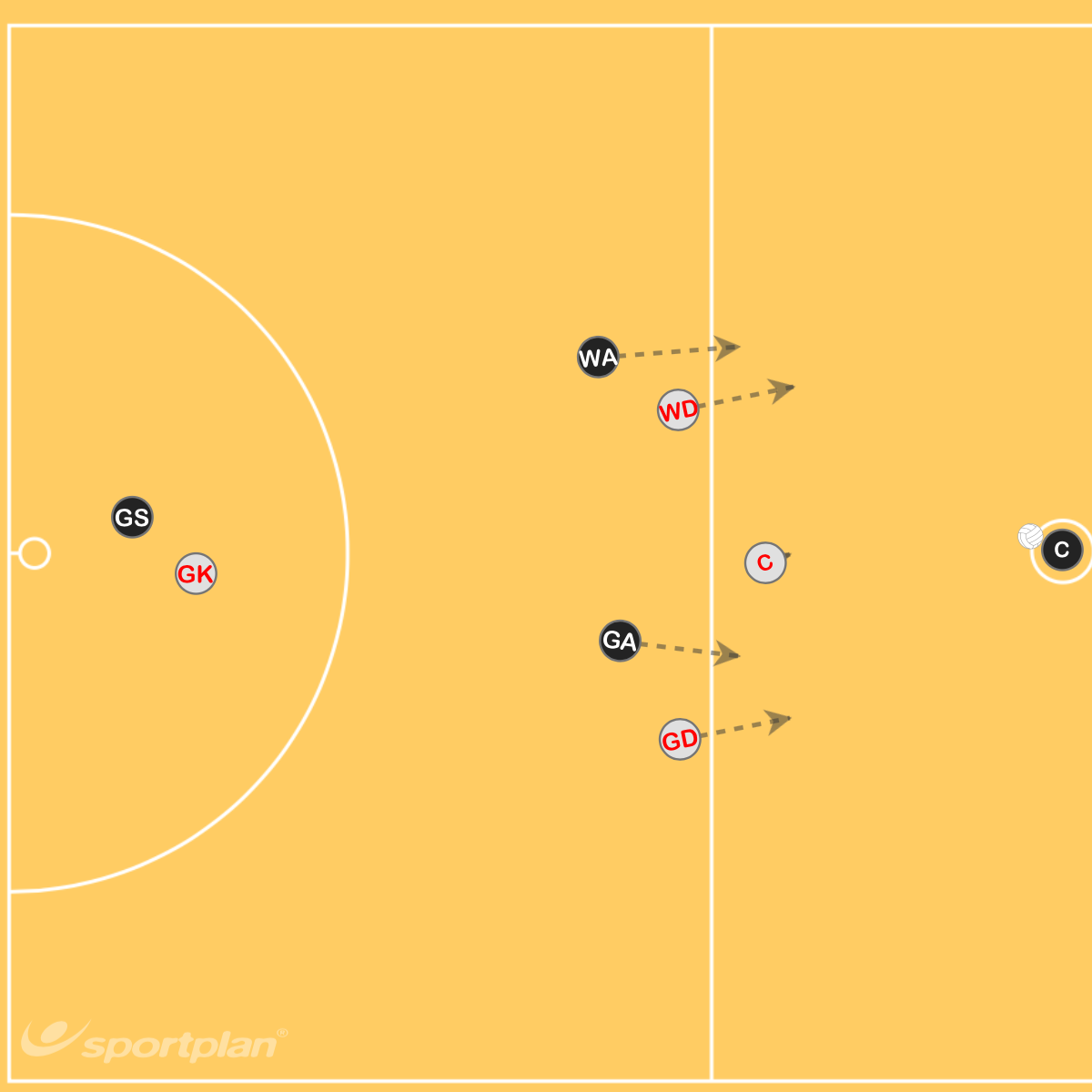
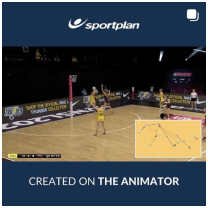
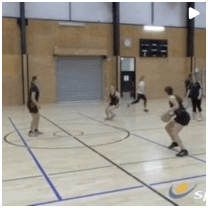
Defence 3 over the line
DESCRIPTION
The WD and GD will set up close to the line As soon as the whistle goes they will jump over the line and set up a defensive zone with the C This means the defensive players will mark the space, forcing the attackers out of the centre channel, rather than individually man-to-man Your WA and GA can also come into the centre third to flood the area to increase pressure
Defence 3 over the line
DESCRIPTION
The WD and GD will set up close to the line As soon as the whistle goes they will jump over the line and set up a defensive zone with the C This means the defensive players will mark the space, forcing the attackers out of the centre channel, rather than individually man-to-man Your WA and GA can also come into the centre third to flood the area to increase pressure

Coach, United Kingdom
ANSWERS

Sportplan TeamAdministrator, United Kingdom
Good Morning,
To share netball coaching practices, session plans, or rules with your students on Google Classroom, you can follow these steps:
- Download the Files: Make sure you have the files you want to share downloaded to your computer. You've already uploaded them here, so you should have them ready.
- Access Google Classroom: Go to [link will be reviewed] and log in with your Google account.
- Select Your Class: Click on the class where you want to share the materials.
- Create an Assignment or Material:
- Click on the "Classwork" tab.
- Click on "Create" and choose either "Assignment" or "Material" depending on how you want to share the files.
- Attach Files:
- In the assignment or material creation window, click on the "Add" button.
- Choose "File" and upload the files from your computer.
- Post: Once you've attached the files and added any necessary instructions or details, click "Post" to share with your students.
This will make the materials available to your students in the selected class.
I hope this helps,
The Sportplan Team
 sportplan_netball