


Excellent drills, very detailed videos. Useful site for my U15 boys team.

How do I create my own drill and add it to my clipboard?

I have created several versions of 'pig in the middle'. Firstly, how can I print them off so I can compare the coaches instructions and fill them out a bit more?Secondly , how can i replicate them so they are in an age related folder EG U 12 or U 14 . Also in a separate folder as in type of drill?Thanks

Canât work it out how you do a session plan Asked using Sportplan Mobile App
hello, since I bought the full version, I cannot see where the clipboard is. I would like a clipboard to drown my own drill.
How do i copy drills into a folder
How do I add a drill to clipboard or session plan
How do I make a plan?

how do i transfer drills from my clipboard to my plan
I have created a clipboard and now need to know how to share with my colleagues at School. Can you assist me with this?Thanks, Nao
Previously used this app and as I'm coaching again this season I've started using it again, previously never had much of an issue creating different training sessions.However, it seems now it is only possible to save exercises to your clipboard before then having the clipboard appear in your folders (which it has also disappeared for some reason for me)Ultimately the above makes for a really poor user experience where I get frustrated I can't just create a new session each week and place drills in that session. I like having a resource to view potential drills, etc but the above stops me being able to actually use it during a training session.More of a comment than a question but wanted to give my feedback.
how to create a new clipboard
Is there any way of adding plans to my clipboard in the same way as drills are added to my clipboard?
is there a way I can move a drill from the clipboard to a folder I created.

How do i add a folder and change the clipboard
how to move from clipboard to pdf
how do i add drills to my clipboard
in more ways than one
 sportplan_hockey

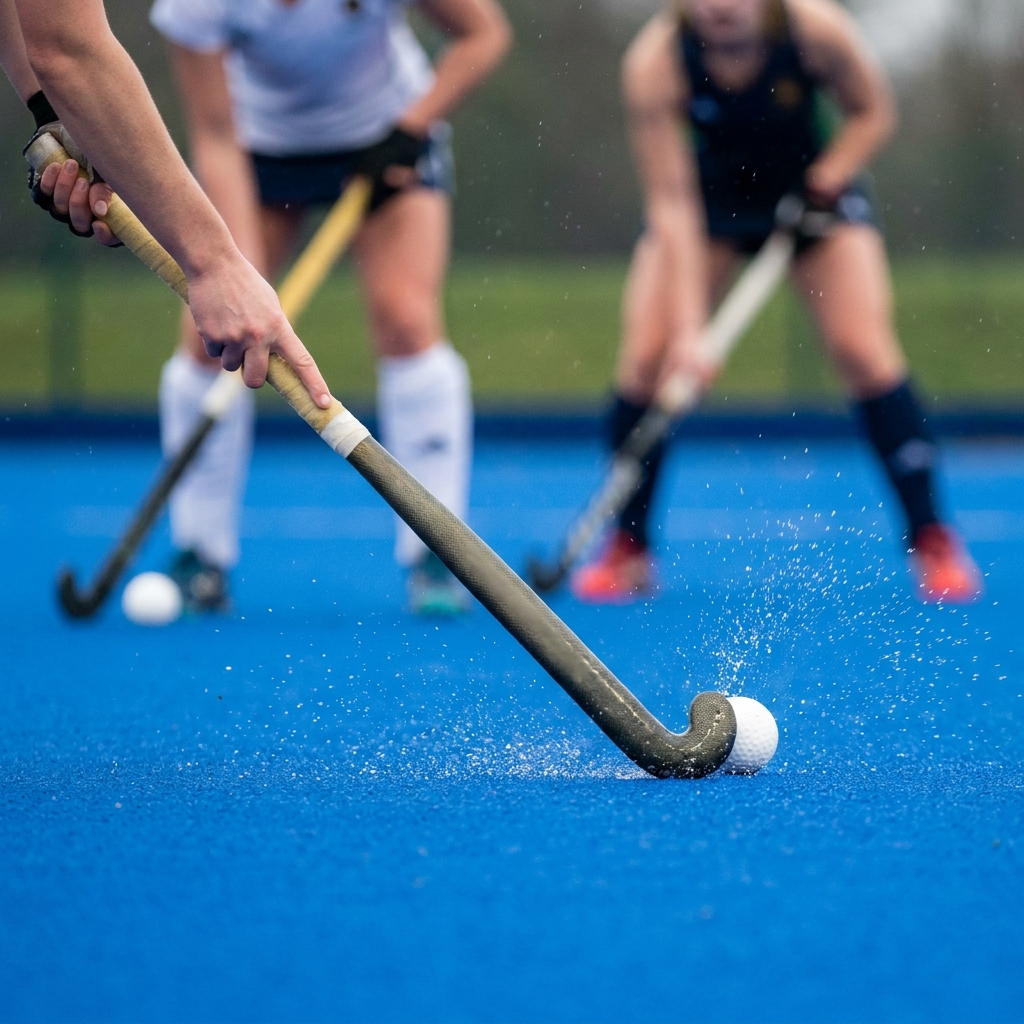
A few weeks into the league season, poor first touches are costing teams the ball. Coach body shape, scanning and receiving on the move to keep possession.
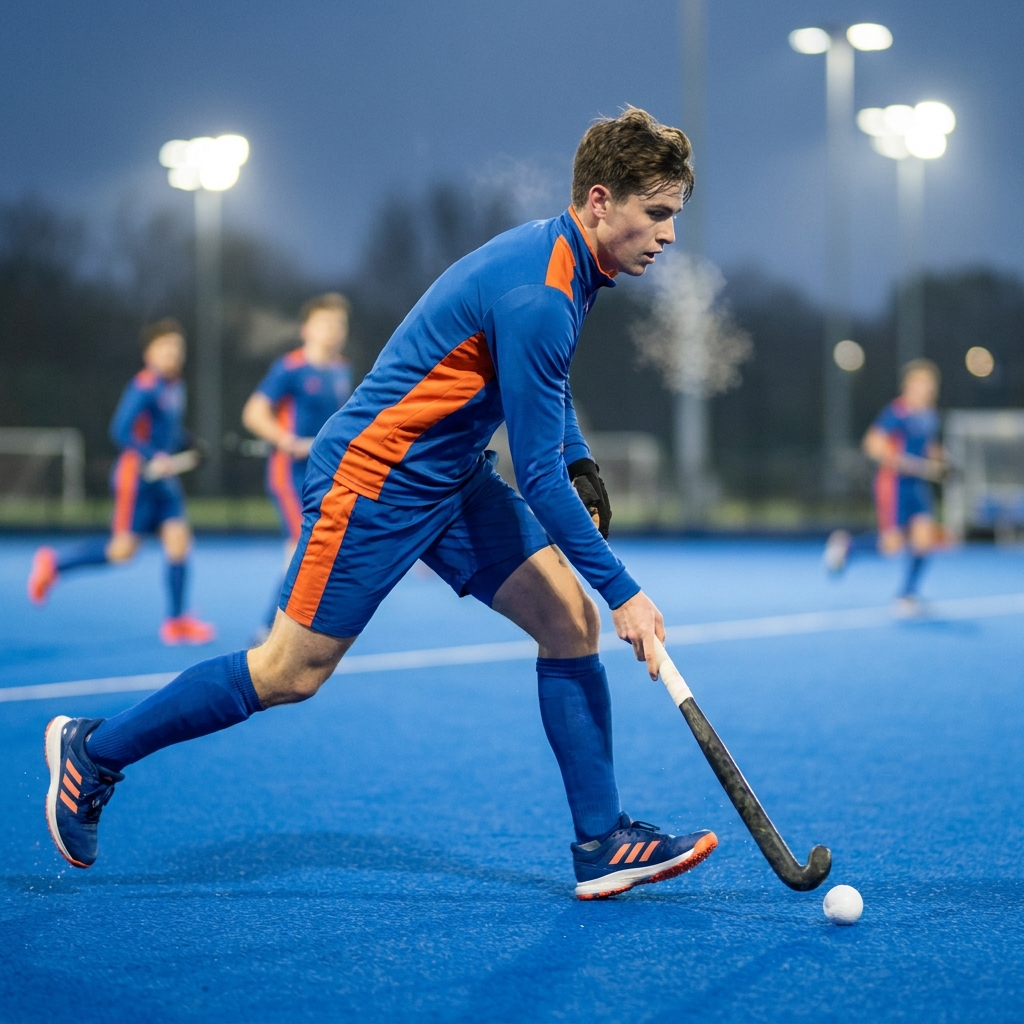
Pre-season fitness fades fast once the league starts. Build conditioning into ball work and use rolling subs well to keep your squad sharp all season.
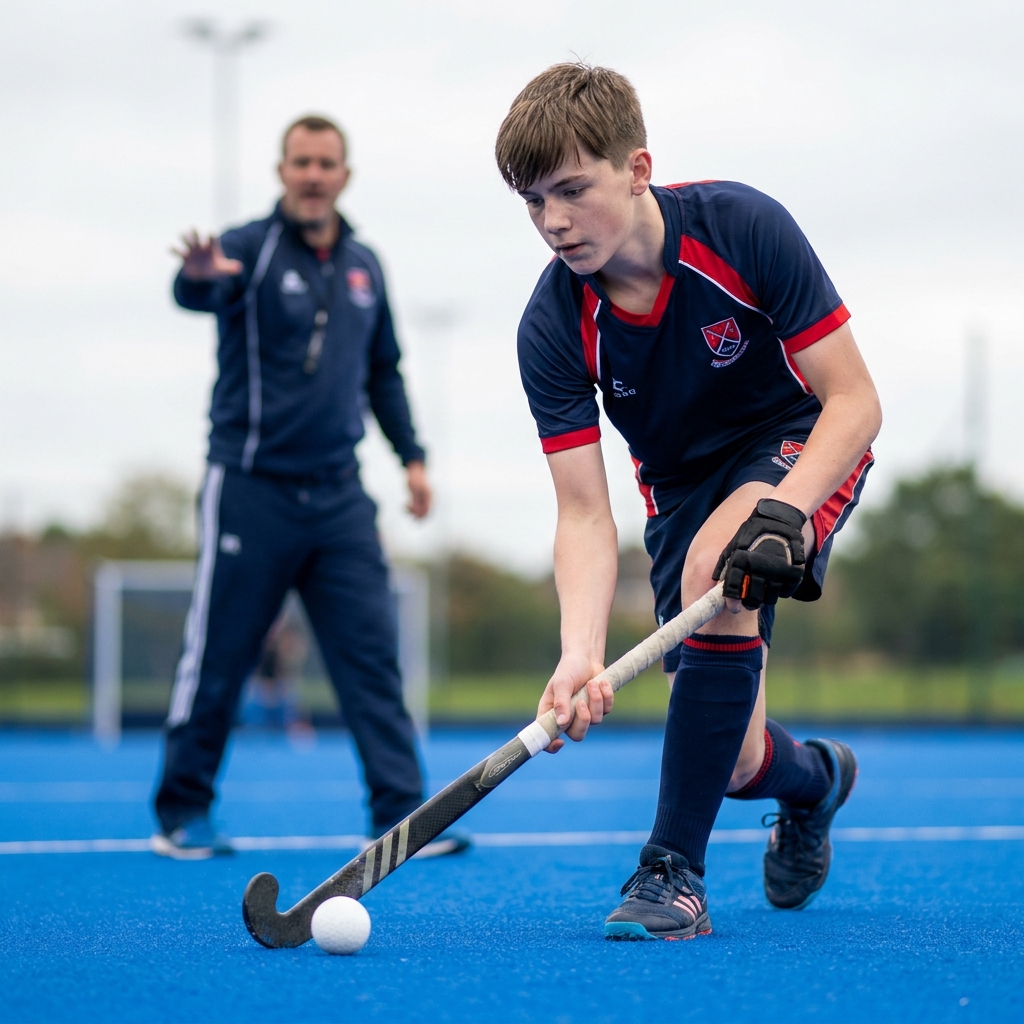
The first weeks of the season decide whether a junior or new player sticks with adult hockey. Here is how to keep them safe, give them a clear job and build their confidence from the very first bully.
Coaches from around the world look to Sportplan for coaching confidence.
Excellent drills, very detailed videos. Useful site for my U15 boys team.

I love using Sportplan. It's been a great help for co-ordinating hockey practice and being able to help tweak skills and getting the most out of my players!

Great site. An absolute must for coaches who are willing to change and learn new drills. Superb, simply superb.

Wow what a great website, I have found sportplan an important tool for me when planning my netball sessions with my netball team. There are alot of very helpful tips/ideas/skills that I can learn and teach to my team. Thank you sportplan I hope to continue to use your helpful tips and to learn more about improving my teams netball skills. Thanks again....keep it up....

I have been using Sportplan now for 3 years and can honestly say that I have never repeated the same session twice. My girls are always focused and are improving every year. Thanks Sportplan.
What a fantastic tool. The Chalkboard and session tools make an unbelievable difference in making training plans in both time and organization. I will be instructing all of my assistant coaches that this tool must be used for all sessions during the season, so that we may build a club coaching resource library.
I can't get enough of the Sportplan, It has given me back the enthusiasm i was starting to lose. My girls are so keen and are ready at 14 to take the next up in their game. Sportplan will help no end.