

Excellent drills, very detailed videos. Useful site for my U15 boys team.

Hi. New to the site. I am a fully paying member. I was wondering if anybody can tell me how to download the animations from the Sportsplan website? I want to download them to my tablet (similar to ipad) and show the team at training how the drill/skill etc is to be done. However, don't have internet access on tablet, so can't access drills online, and need to save it to tablet to show them. Can anybody help? Any suggestions?

Hi, I ma wondering if you have an iPad app coming out, as that would be very useful at the turf. It would save printing drills out. I have the one for my phone but iPad would make it much easier to show the team prior to running the drills.

I am Beta testing the Ipad app, Is there a way to download session plans to make them and their associated animations available offline.

Why don't have that?I can't draw a drillDon't understand
I pad won't come off hockey up date window
Can you get this as an app instead of online?
I create my session plans on a desktop. For some reason, when I log into Sportplan on my tablet, it doesn't appear to update so my plans are not visible there so I cannot deliver the sessions "interactively" and have to rely on printing the session out and delivering it via paper form. Can you advise why it doesn't appear to be updating?


I have made a couple of animations but I want to play on pitch side from an iPad for the animations don't seem to play even with a strong Wi-Fi signal. Asked using Sportplan Mobile App
When I am building the animation the play button is not available - I am on an iPad. When I save and then try and select edit I am unable to do so.
I can make a folder but I can not seem to get anything into the folder. I cam make a folder on my school profile but it will not save.
I have just upgraded and whilst I can see the additional services on the desktop version, they are not appearing on my IPad. I am using the same email address and password for both. Thanks Tony
no sound in video despite full volume on iPad and iphone
Why can't I open the Team Defense Progressions session on my iPad? It loads great on my laptop. Actully, I am having trouble browsing all drills on the ipad. It wont load them.
in more ways than one
 sportplan_hockey

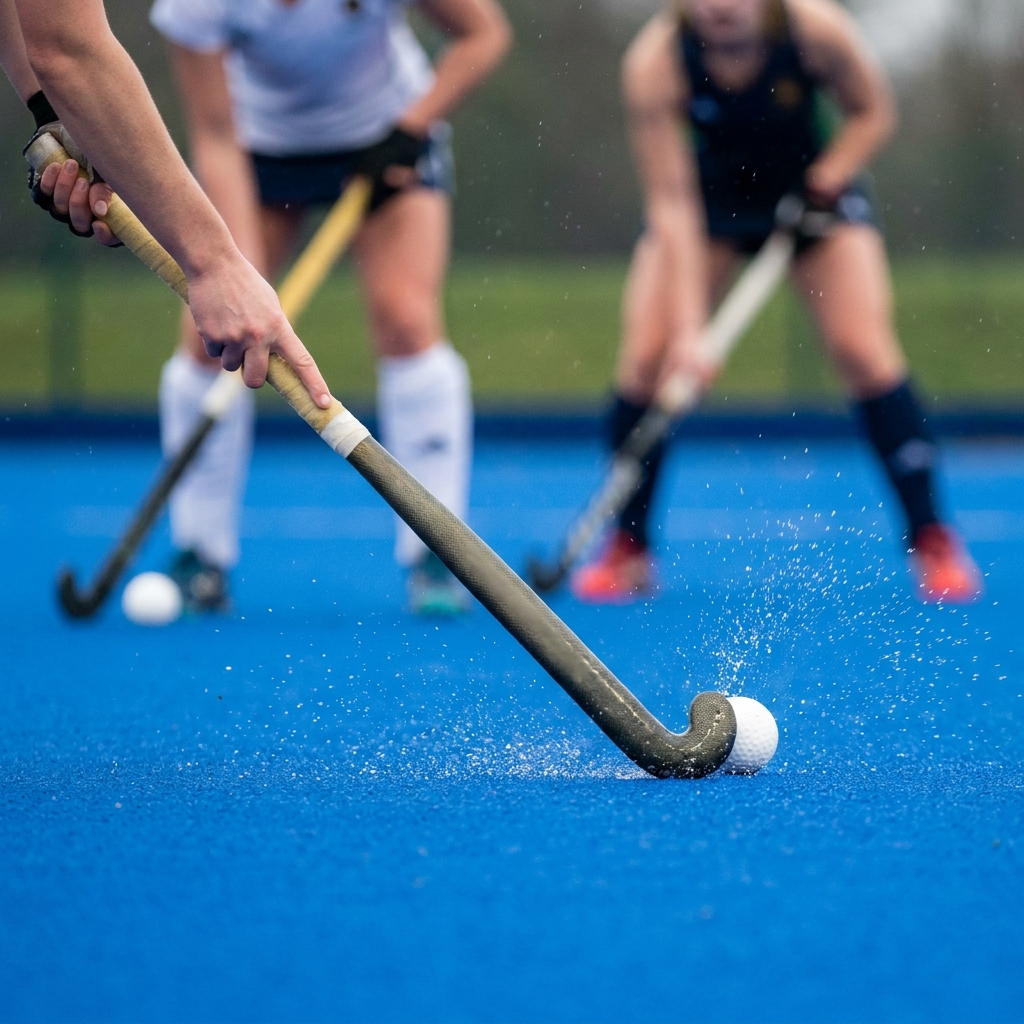
A few weeks into the league season, poor first touches are costing teams the ball. Coach body shape, scanning and receiving on the move to keep possession.

Pre-season fitness fades fast once the league starts. Build conditioning into ball work and use rolling subs well to keep your squad sharp all season.
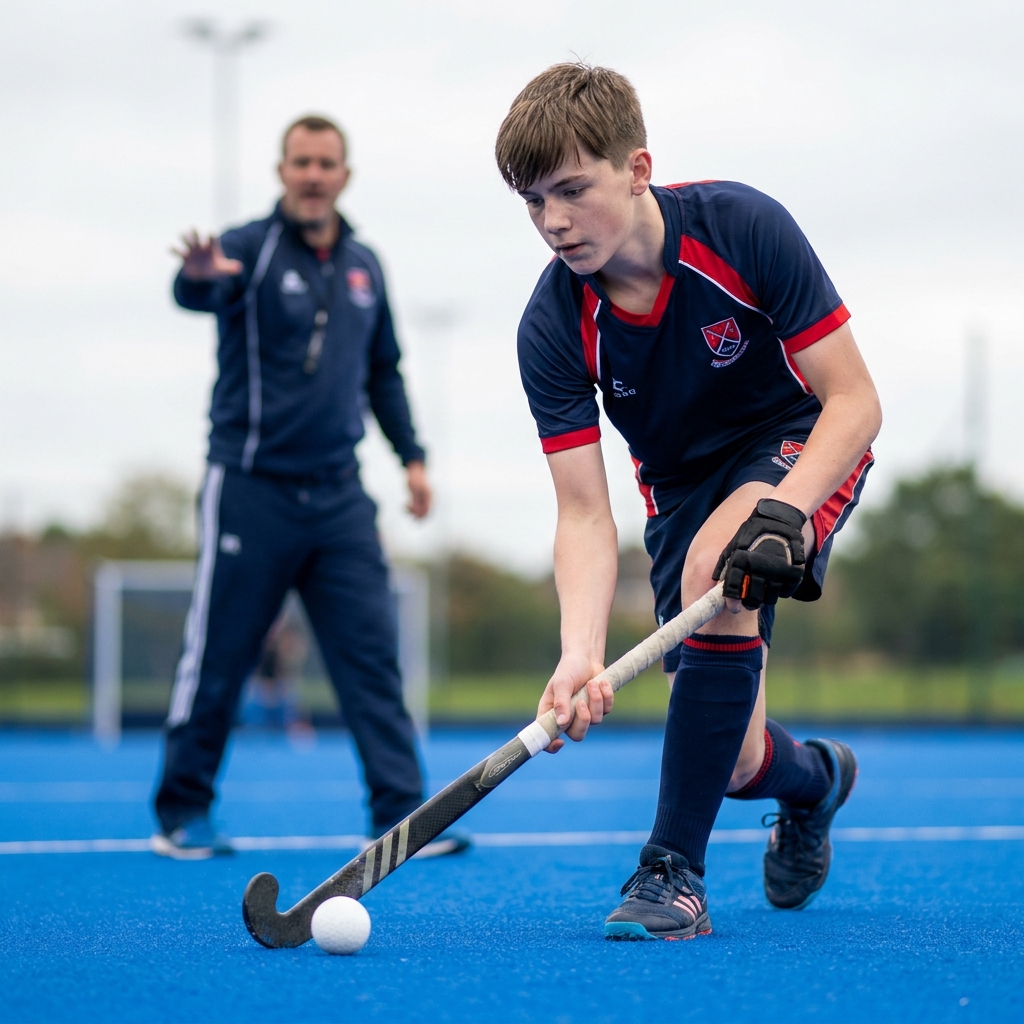
The first weeks of the season decide whether a junior or new player sticks with adult hockey. Here is how to keep them safe, give them a clear job and build their confidence from the very first bully.
Coaches from around the world look to Sportplan for coaching confidence.
Excellent drills, very detailed videos. Useful site for my U15 boys team.

I love using Sportplan. It's been a great help for co-ordinating hockey practice and being able to help tweak skills and getting the most out of my players!

Great site. An absolute must for coaches who are willing to change and learn new drills. Superb, simply superb.

Wow what a great website, I have found sportplan an important tool for me when planning my netball sessions with my netball team. There are alot of very helpful tips/ideas/skills that I can learn and teach to my team. Thank you sportplan I hope to continue to use your helpful tips and to learn more about improving my teams netball skills. Thanks again....keep it up....

I have been using Sportplan now for 3 years and can honestly say that I have never repeated the same session twice. My girls are always focused and are improving every year. Thanks Sportplan.
What a fantastic tool. The Chalkboard and session tools make an unbelievable difference in making training plans in both time and organization. I will be instructing all of my assistant coaches that this tool must be used for all sessions during the season, so that we may build a club coaching resource library.
I can't get enough of the Sportplan, It has given me back the enthusiasm i was starting to lose. My girls are so keen and are ready at 14 to take the next up in their game. Sportplan will help no end.