


TRANSFORM YOUR TEAM'S SEASON WITH PROFESSIONALLY PLANNED SESSIONS
Use our expert plans or build your own using our library of over 700+ drills, and easy-to-use tools.
JOIN NOWHi, I've been trying to print out 6 drills on one page without success. Could you tell me how to do this as I am wasting paper!! Still cannot get this to work help welcome. Steve Batchelor


Hi Steve, you can add up to 10 drills in one go to your clipboard and then choose from the following options as to what to do next:
Save | Print | Share
The save button has two drop down options which are "save" and "start session planner". What you want to do is:
Hope this makes things a bit clearer.

in more ways than one
 sportplan_hockey


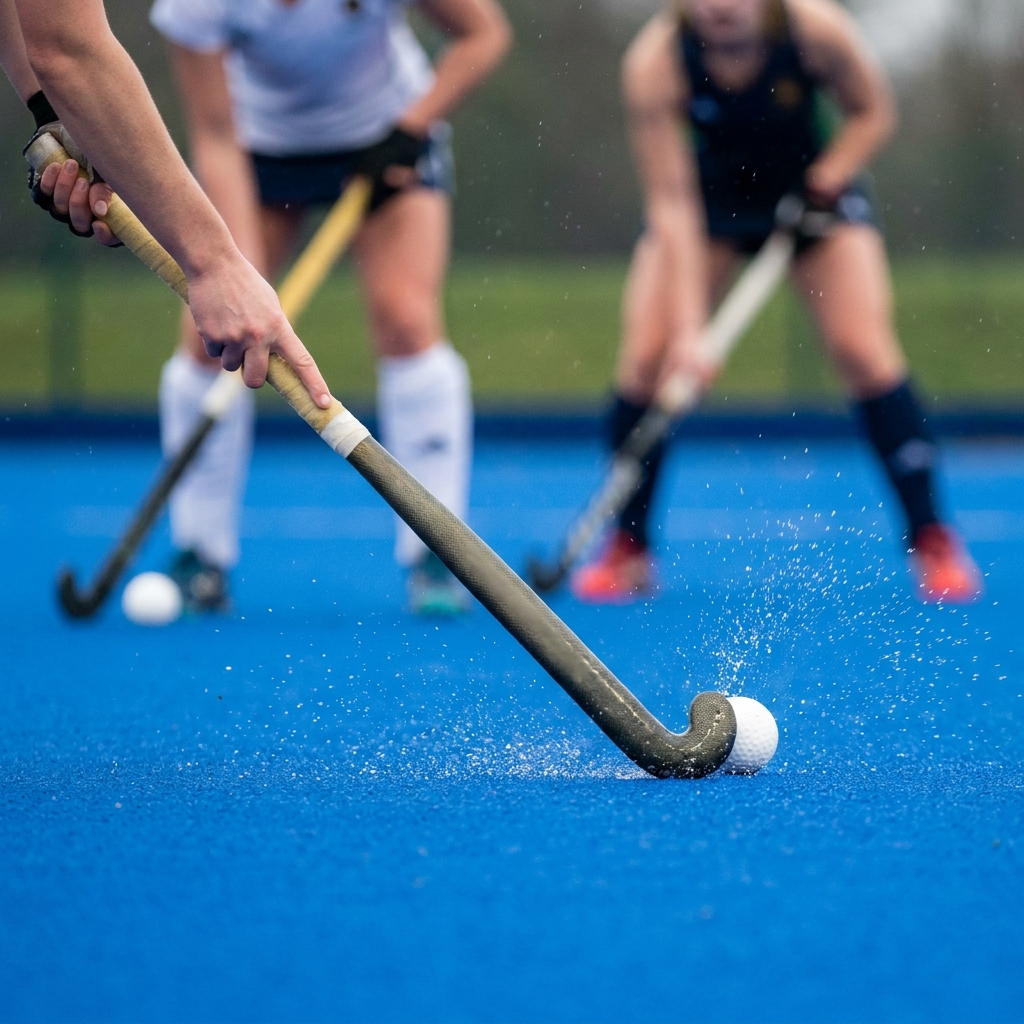
A few weeks into the league season, poor first touches are costing teams the ball. Coach body shape, scanning and receiving on the move to keep possession.

Pre-season fitness fades fast once the league starts. Build conditioning into ball work and use rolling subs well to keep your squad sharp all season.
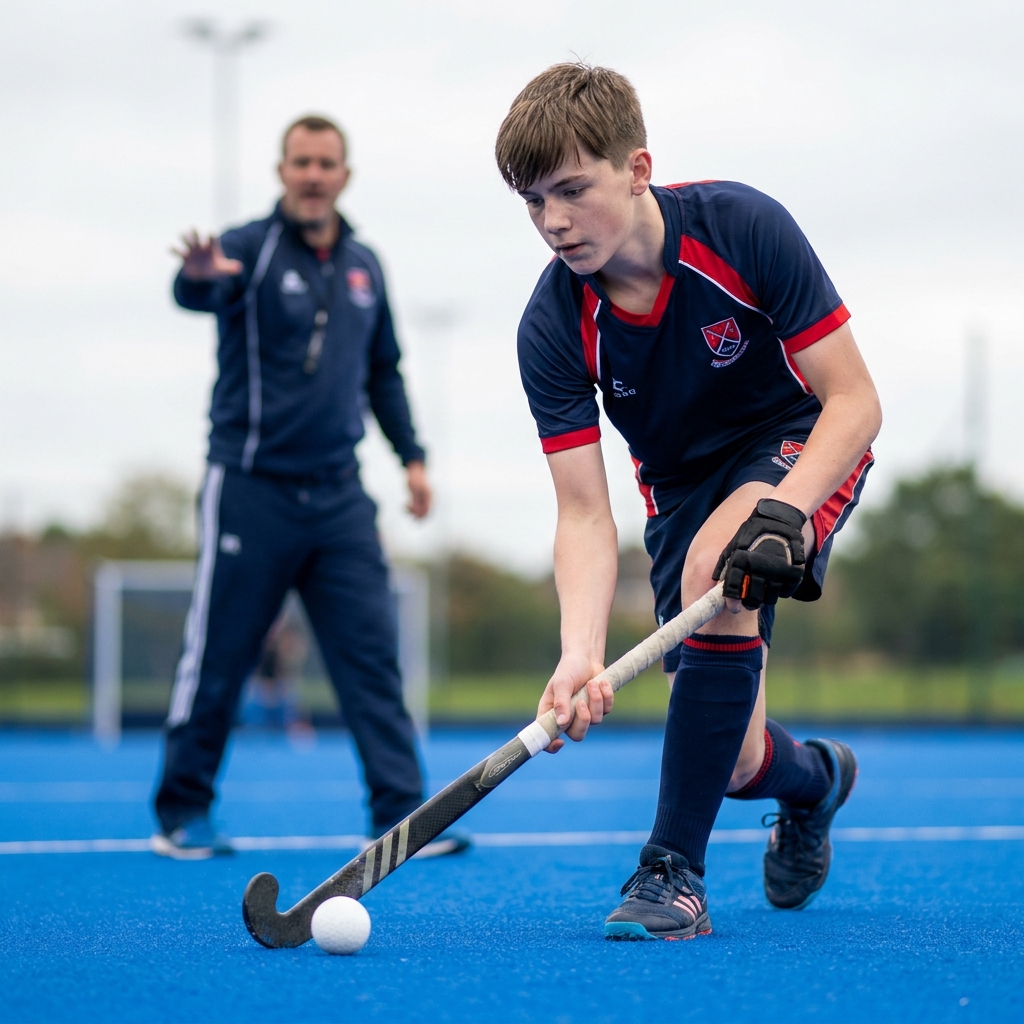
The first weeks of the season decide whether a junior or new player sticks with adult hockey. Here is how to keep them safe, give them a clear job and build their confidence from the very first bully.
Use our expert plans or build your own using our library of over 700+ drills, and easy-to-use tools.
JOIN NOW