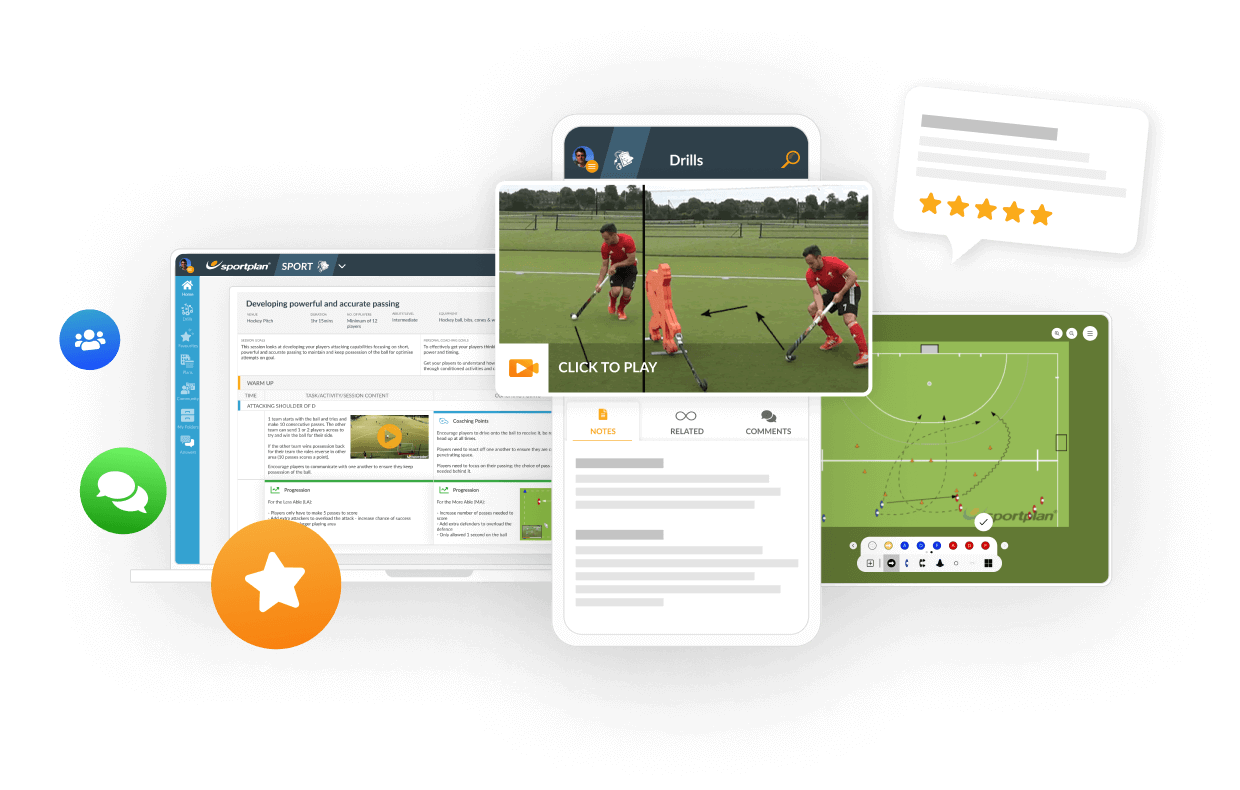


TRANSFORM YOUR TEAM'S SEASON WITH PROFESSIONALLY PLANNED SESSIONS
Use our expert plans or build your own using our library of over 700+ drills, and easy-to-use tools.
JOIN NOWI try to make an animated drill but i cant find the option that allows me to do it. Please help
Asked using Sportplan Mobile App


Hi JoaquÃn,
You can make an animated drill simply by clicking the 'create' button found in the top right of your Sportplan screen. You will then get the option if you would like to use the chalkboard, animator, upload an image, youtube or upload a video. Click 'animator'. You can then choose what type of pitch you would like and you are ready to go.
You can find tutorials on how to use the animator here.
Hope this helps.
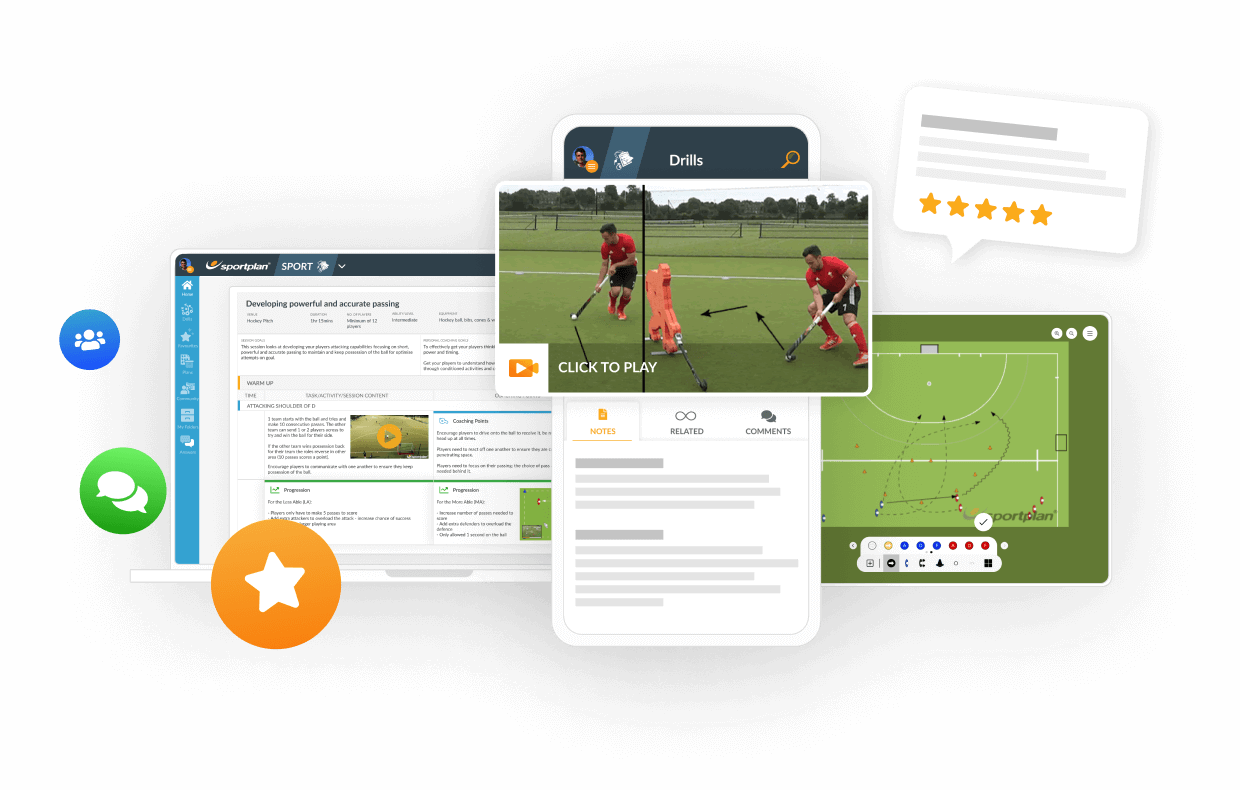
in more ways than one
 sportplan_hockey



A few weeks into the league season, poor first touches are costing teams the ball. Coach body shape, scanning and receiving on the move to keep possession.

Pre-season fitness fades fast once the league starts. Build conditioning into ball work and use rolling subs well to keep your squad sharp all season.

The first weeks of the season decide whether a junior or new player sticks with adult hockey. Here is how to keep them safe, give them a clear job and build their confidence from the very first bully.
Use our expert plans or build your own using our library of over 700+ drills, and easy-to-use tools.
JOIN NOW