Two Schedules, Not One
Most sports give a club one schedule to manage: the fixture list. Basketball quietly hands you two. There is the fixture list from your league - who you play, when and whether you are home or away - and there is the schedule of court slots you have hired at your sports hall or leisure centre. A home game only happens where those two line up. Miss the overlap and you have a fixture with nowhere to play it.
That extra layer is what catches new basketball clubs out. A football side turns up to its own pitch; a basketball club has to make sure the hall is booked, long enough and free on exactly the date the league has given it. Once you understand that you are juggling fixtures against hall availability - not just fixtures - the whole job becomes manageable. This guide walks through it in the order it actually happens across a season.
Where Fixtures Come From
For a grassroots club, you do not invent your fixtures - you enter a league and receive them. That will usually be a local or regional league running under Basketball England affiliation, and once you have registered your team and paid the entry, the league publishes a schedule for the season. It tells you your opponents, the dates and whether each game is home or away, and it hosts the league table that the results feed into.
This matters for one simple reason: the league platform is the official source of truth. Whatever tools you use inside your club to organise people, the fixtures, the table and the results record live on the league's system. Your own calendar mirrors that schedule so your players and parents can see it easily - it never replaces it. When a fixture moves, the league's notice is the one that counts; your job is to make sure that change reaches everyone who needs it.
The Scheduling Layer: Fixtures vs Hall Slots
As soon as the fixture list lands, lay it next to your hall bookings. For every home date, check that you have a court slot that day - and that the slot is long enough. A sports hall is only yours for the hours you have hired, so you need enough time for warm-up, two halves with a half-time break, and a buffer either side to set up and clear out before the next hirer arrives. A 60-minute slot that looked fine on paper can leave you turfed off the court mid-game.
When a home fixture clashes with a date you do not hold the hall, you have three options: book an extra slot, ask the league to move the game, or ask the league to flip it so you play away instead and host the return leg later. None of that is difficult - but it only works if you spot the clash early, while there is still time to rearrange. Leave it until the week of the game and your choices shrink to none.
Your Game-Week Checklist
- Confirm the court (home games): Double-check the hall is booked for the right date and for long enough - warm-up, both halves, half-time and a buffer. A clash you catch now is a phone call; a clash you catch on the day is a forfeit.
- Collect availability: Make sure every player has marked themselves in or out for this game. Chase the unanswered ones now, not on the morning of the match.
- Confirm the roster: Pick your squad from who is available, tell players whether they are selected, and let those not playing know too so nobody turns up uncertain.
- Sort officials (home games): Line up your table officials - a scorer and a timekeeper at minimum - and confirm the referees the league or your club provides. Home clubs are usually responsible for the score table.
- Plan travel (away games): Share the away venue, the arrival time and lifts or transport arrangements. Build in time to find parking and a strange sports hall.
- Kit and equipment: Match balls, a first-aid kit, the correct strip and a spare set in case of a colour clash with the home side.
- Report the result: After the game, submit the score and any required match details to the league so the table updates. The league record is the official one.
Collecting Availability and Confirming the Roster
The single biggest weekly headache is knowing your numbers. Ask once, early, for the whole block of fixtures rather than chasing players one game at a time. Share the season schedule and let everyone mark themselves available or out for each date. Do that and you can see, weeks ahead, the weekends where you are short - a half-term Saturday, a clash with exams - and act on them before they bite, rather than discovering on the morning of the game that you have four players for a five-a-side start.
From those responses you build the roster. A few days before each game, pick your squad, tell the selected players, and let the rest know too so nobody arrives unsure whether they are playing. Doing this cleanly and fairly across a season is its own skill - our guide to basketball team selection and rotation covers how to keep court time fair while still picking to compete. Where this falls apart is in a busy group chat, where availability replies scroll away and important selection messages get buried under the chatter. A simple way to keep notices clear and reach the right people is covered in our basketball club communication guide.
Officials, Referees and the Score Table
Basketball needs more than players on the day. Home clubs are typically responsible for the score table - at minimum a scorer keeping the official scoresheet and a timekeeper running the clock, and in some leagues a shot-clock operator too. Referees may be appointed by the league or supplied by clubs depending on the level you play at. Whichever it is, sort it during the week, not in the car park ten minutes before tip-off. Knowing in advance who is on the table, and that your referees are confirmed, removes one of the most common sources of game-day chaos. Build a small rota of parents or non-playing members who can cover the table so it never falls to the same person every week.
Away Games and Travel
Away fixtures swap the hall-booking problem for a travel one. You are not responsible for the court, but you are responsible for getting a squad to an unfamiliar venue on time and warmed up. Share the venue address, the tip-off time and a realistic arrival time well ahead - then arrange lifts or transport and make sure every player and parent knows the plan. Strange sports halls take time to find, parking is rarely obvious, and arriving flustered with five minutes to spare helps nobody. A clearly communicated meeting point and arrival time does more for an away performance than any team talk.
Posting Results
The last job of every game week is reporting the result. Most leagues expect the home club, or both clubs, to submit the final score and sometimes additional match details so the league table and any statistics update. Do it promptly while the scoresheet is in front of you - chasing a forgotten score a fortnight later is a thankless task. And remember the principle that runs through everything here: the league platform holds the official results and the table. Your own tools organise your club; the league records the competition.
Bringing the Two Schedules Together
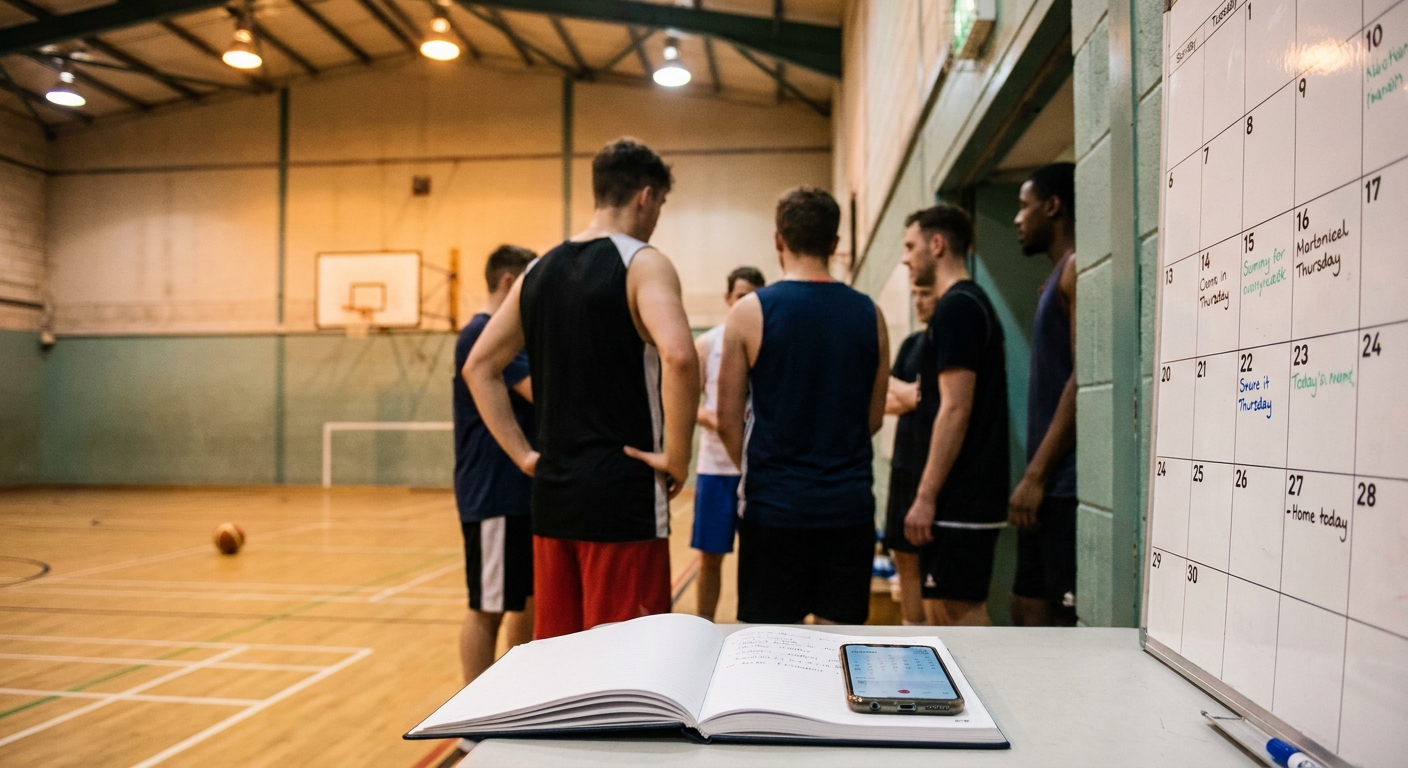
Everything above comes down to keeping two moving parts in sync - the league's fixtures and your hall diary - and then getting the right information to the right people each week. That is mostly an organisation problem, and it is exactly where a shared club calendar earns its keep. If you put your fixtures and your booked court slots on one calendar that players, parents and coaches can all see, a clash between a home date and a hall you have not booked becomes obvious the instant it appears, instead of surfacing the night before the game.
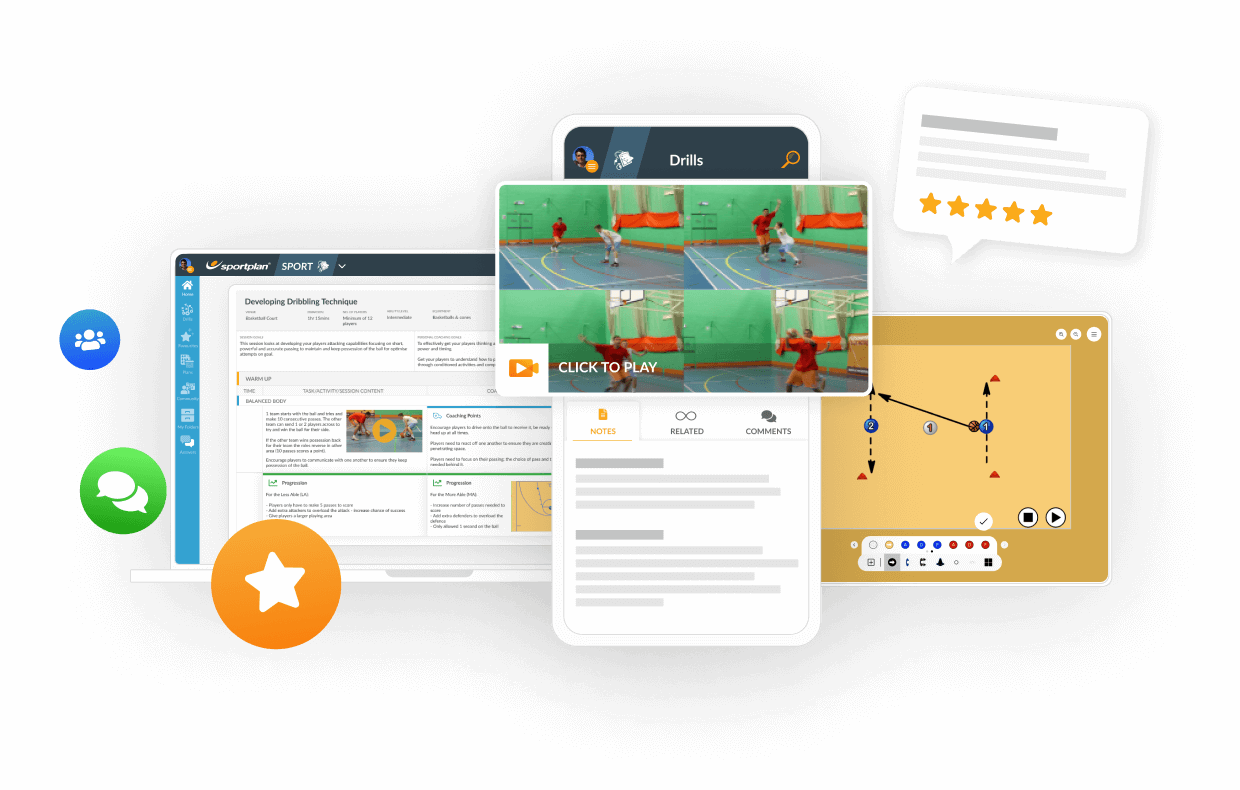
This is the kind of job Teamo is built for: one shared club calendar where you can place your fixtures alongside your hall slots, collect season-long availability so you always know your numbers, pick and publish the roster, and - crucially - fire instant notifications to just the right team the moment a venue or time changes, so a switched court or a moved tip-off reaches the people it affects rather than getting lost in a chat. Worth being straight that Teamo is made by the Sportplan team behind this site, so weigh that as you would any recommendation. And be clear about the boundary: Teamo is a calendar, availability and reminders tool - it does not sync with Basketball England or any league system, and it does not replace them. Your league's platform remains the official source of fixtures, results and the table; the app simply keeps your own club organised around them. For a wider look at the tools clubs use for this, our comparison of TeamStats, Spond and the alternatives for basketball weighs the realistic options.
Get those two schedules talking to each other and league season management stops feeling like firefighting. The fixtures arrive, you match them to your hall slots, you ask availability once and read it all season, and each game week becomes a short, repeatable checklist rather than a scramble. Once the admin runs itself, the evenings go back into coaching - browse the full Basketball drills library for hundreds of practices to fill your sessions.
Frequently Asked Questions
How do basketball fixtures work?
For a grassroots club, fixtures come from the league you have entered - usually a local or regional league running under Basketball England affiliation. The league publishes a schedule for the season, telling you who you play, when and whether you are home or away. Your job is then to align each fixture with a booked court slot for home games, confirm your squad is available, sort officials and referees, arrange travel for away games and report the result afterwards. The league platform remains the official source of fixtures and the league table.
How do I schedule home games around hall hire?
This is the scheduling layer that catches new basketball clubs out: a home game only exists if you have a court to play it on. Before or as soon as the league fixtures land, check each home date against your booked sports hall or leisure-centre slots. A hall is only yours for the hours you have hired, so you need a slot long enough for warm-up, two halves and a buffer either side. If a fixture clashes with a date you do not have the hall, you either book an extra slot, move the game or ask the league to flip it to an away fixture. Keep your hall bookings and your fixture list side by side so a clash is obvious the moment it appears.
How do I collect availability for basketball games?
Ask once, early, for the whole block of fixtures rather than chasing players game by game. Share the season schedule and let players mark themselves available or out for each date, then you can see your numbers at a glance and spot the weekends where you are short before they arrive. A team app that handles RSVPs does this far better than a group chat, where replies scroll away and you end up counting thumbs-up emojis by hand. Confirm the final roster a few days before each game so players know whether they are selected.
How do I manage a basketball league season?
Treat it as a repeating weekly checklist rather than a one-off plan. At the start of the season, enter the league, get the fixture list and match every home date to a booked court slot. Then each game week: confirm availability, pick and tell the roster, sort table officials and referees for home games, arrange travel and arrival times for away games, and report the score and any required match details to the league afterwards. Keep one shared calendar that everyone - players, parents and coaches - can see, so a venue or time change reaches the right people instead of getting lost.