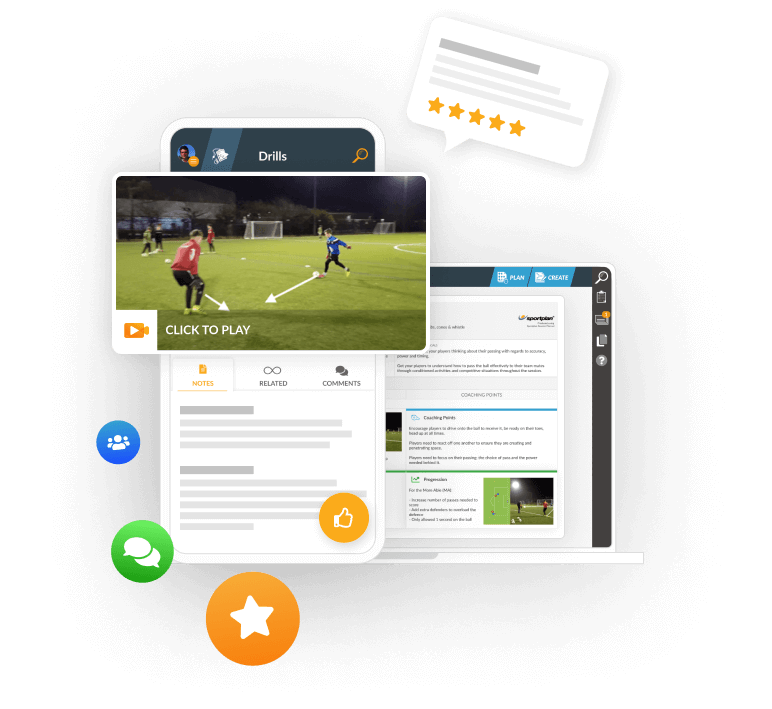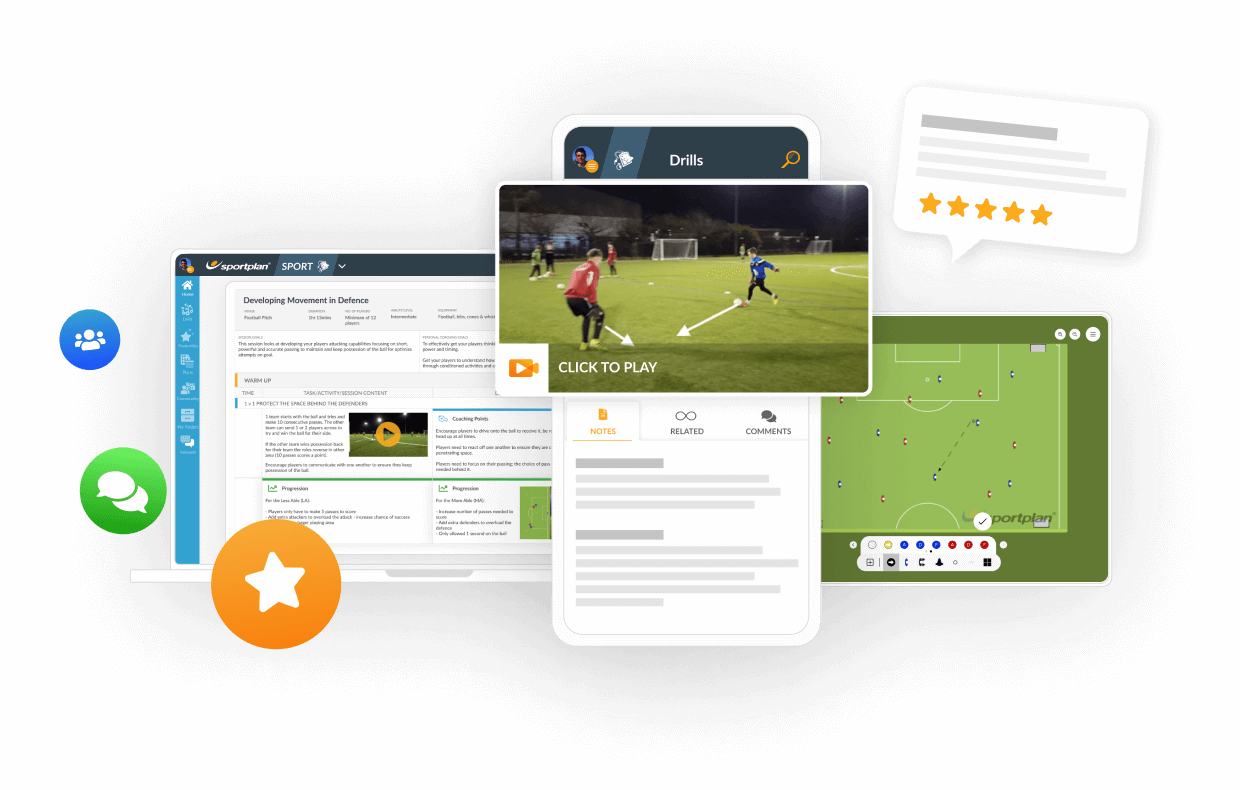


TRANSFORM YOUR TEAM'S SEASON WITH PROFESSIONALLY PLANNED SESSIONS
Use our expert plans or build your own using our library of over 700+ drills, and easy-to-use tools.
JOIN NOW1. i can't seem to find how i can add my coach name to the clipboard or how do you add the equipment purpose and notes when i go to edit section it shows no options except for editing the title .


Hi Kelli,
When you add drills to your clipboard and click save to make them into a session plan, you will get 2 options:
- `Save as Basic Plan`
or
- `Use Planner to Edit`
If you click `Use Planner to Edit` and then choose your template.
You can then choose to `Auto-Complete` - which will fill in the drills and descriptions into your plan as they are shown.
You will now be able to edit all sections of the plan, including the coach and equipment section.
Hope this helps.

The 2026 World Cup is nearly upon us. Here is Sportplan's preview for the tournament on who we think is going to do well and which teams to look out for.

Discover our new Coaching Trends section - in-depth articles covering the latest tactics, techniques and innovations across Football, Hockey, Cricket, Rugby, Netball, Basketball, Tennis, Handball and Volleyball.
Save yourself a scare this Halloween and ensure your session runs smoothly. No chaos, no fright, just structure.
Use our expert plans or build your own using our library of over 700+ drills, and easy-to-use tools.
JOIN NOW



Register for FREE and get coaching tips, top drills, session and more every week!