How to use chalkboard with an iPad
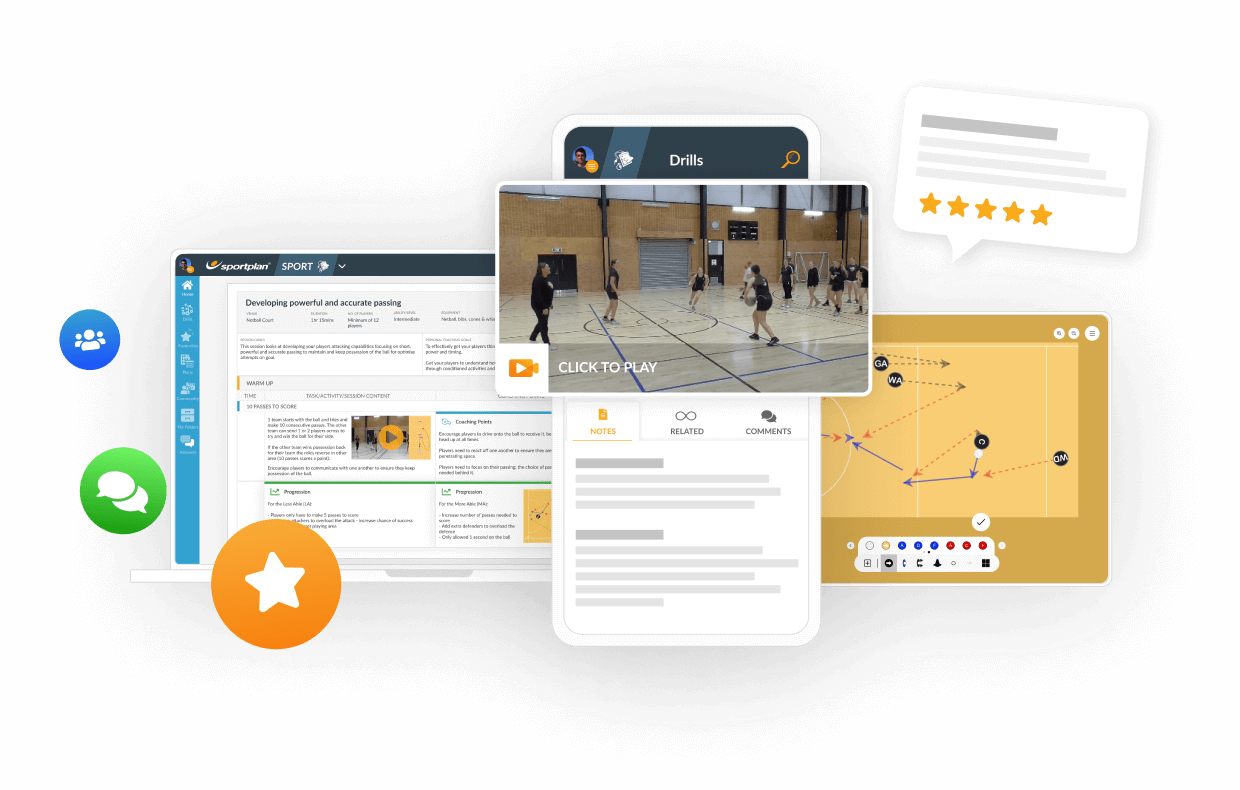
When I attempt to move boxes or cones to a certain spot on the court the whole diagram moves and I canât set up my drill. Any help would be great.

Dan RodenCoach, Australia
ANSWERS

Test SportplanCoach, England
Hi Dan,
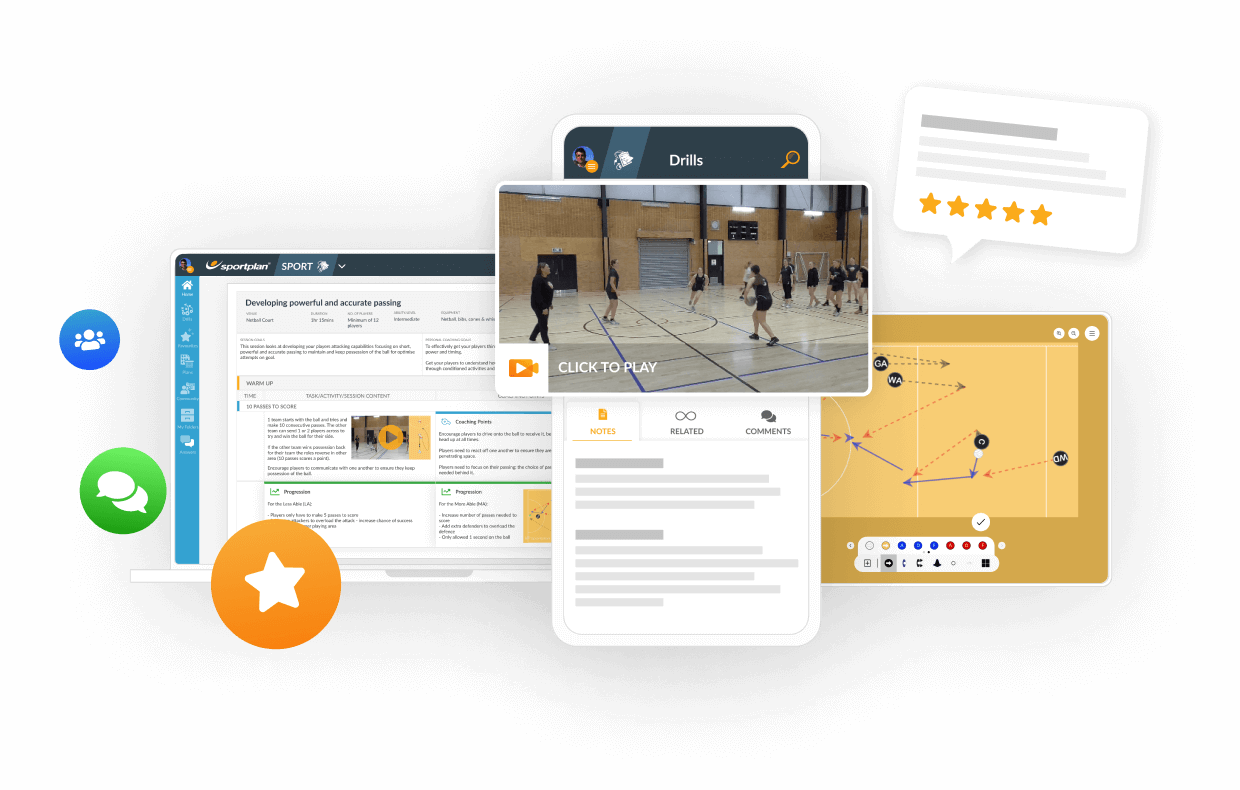
I would advise if you haven`t tried already to zoom out the screen, you can do this by clicking the magnifying glass icon along the top. Sometimes this helps to stop the screen shifting. Also make sure you have `unselected` the icon you are using too.
Otherwise you could try logging out of the app, refreshing it (double click, swipe up) and logging back in again to reload the system.
I hope this helps!
 sportplan_netball