How do i Edit a plan
How do I add a drill to a plan while editing?


Hi Maria,
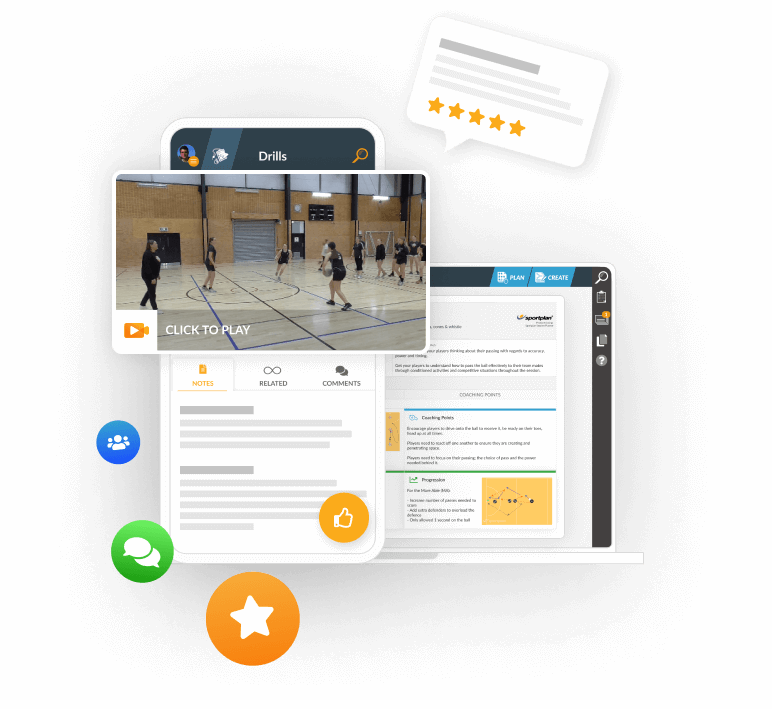
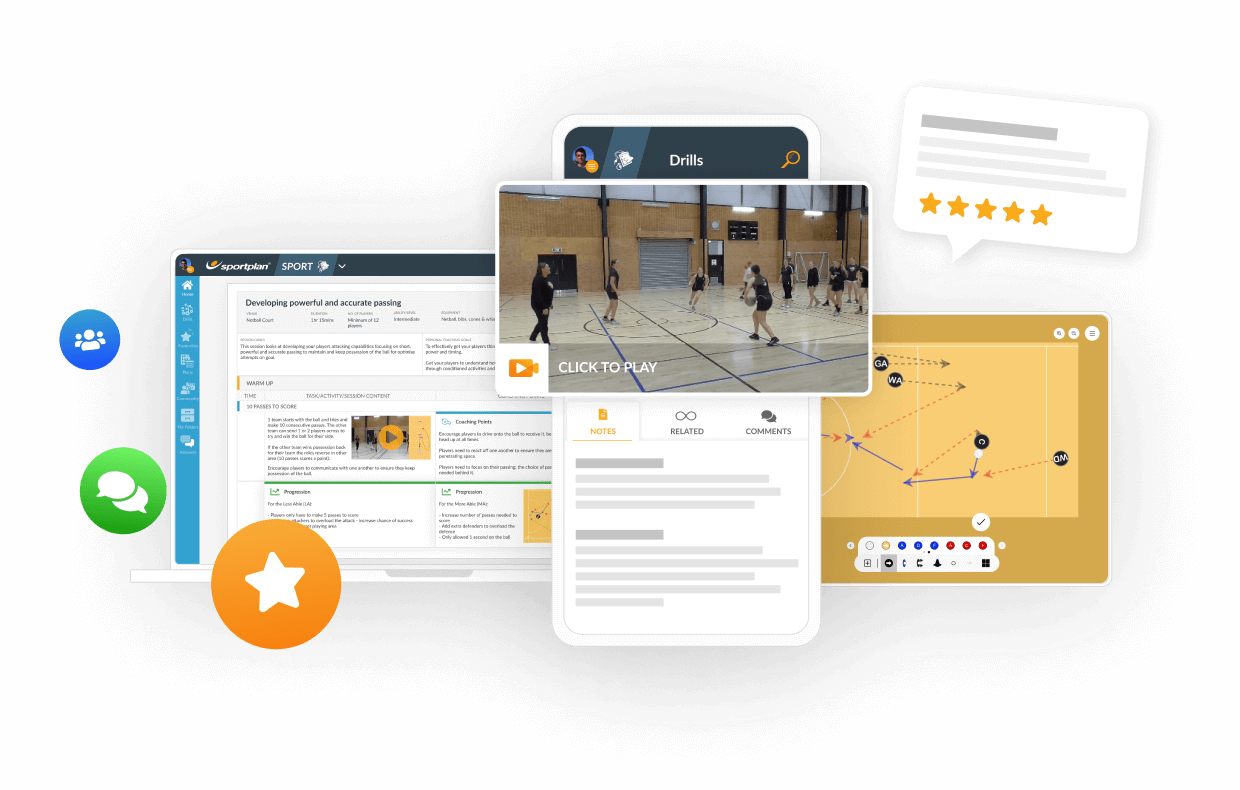
To add a drill to a session plan whilst editing, if you click "Add Diagram" a pop up box will appear for you to add drills to your plan.
Browse Sportplan - will take you to the drill categories of the sport you have selected and you can add one of these drills to your plan.
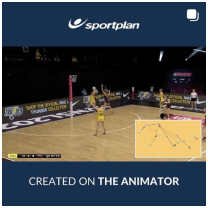
Multimedia - will direct you to either the ChalkboardHD or Animator. You can create a drill or animation to add to your plan.
Search - direct you to the search bar to find the most appropriate drill from library.
Please see the link below to our FAQ on how to use our session planner
How to use the Session Planner
The Sportplan Team
You sent email with a drill on called "fitness drill with ball and movement" when i log onto the website I just cant find it! Please can you help?
 sportplan_netball