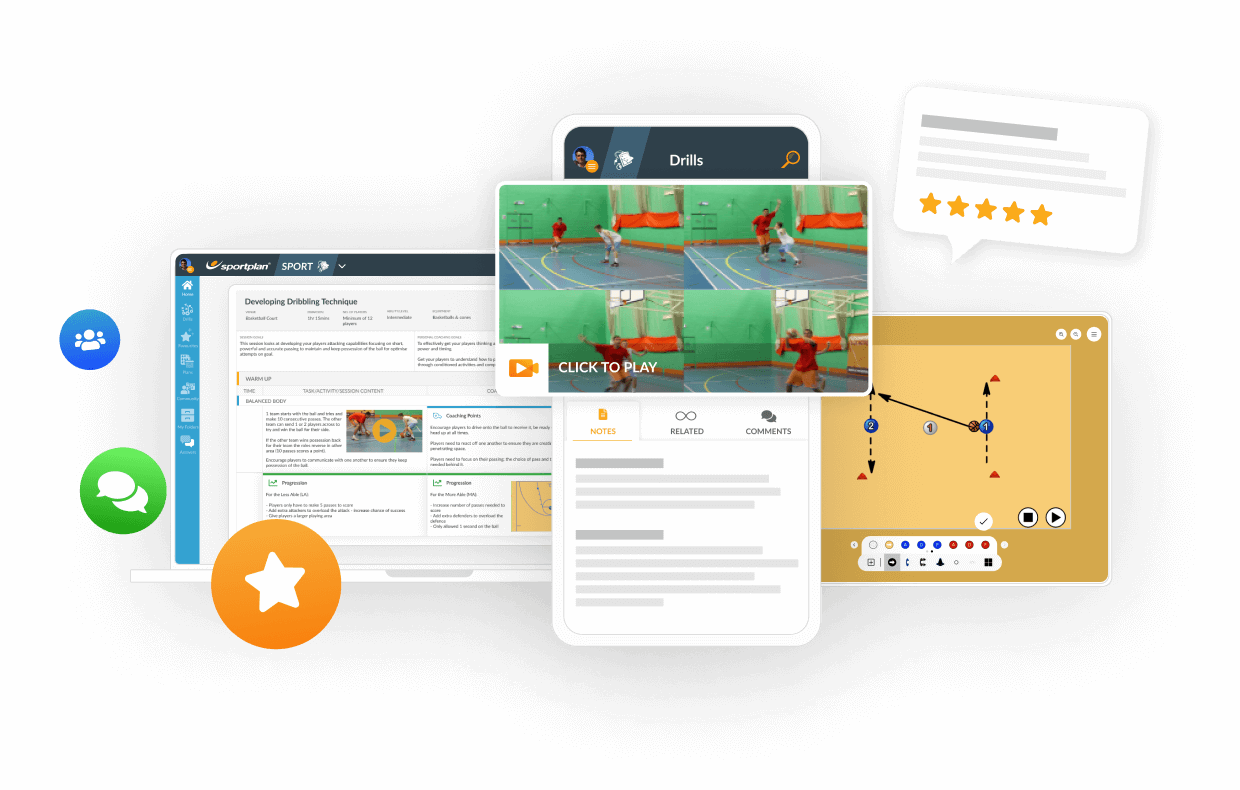
The ball screen produces almost half of all professional offensive possessions, yet most teams still teach it as a memorised play. The modern approach trains the read - giving players a framework to decide based on what the defence does, not what the coach called.

The closeout is the most repeated defensive action in modern basketball. With fouls per game climbing in the 2025-26 season, coaches must teach defenders to contest the three without surrendering the drive or putting shooters on the line.
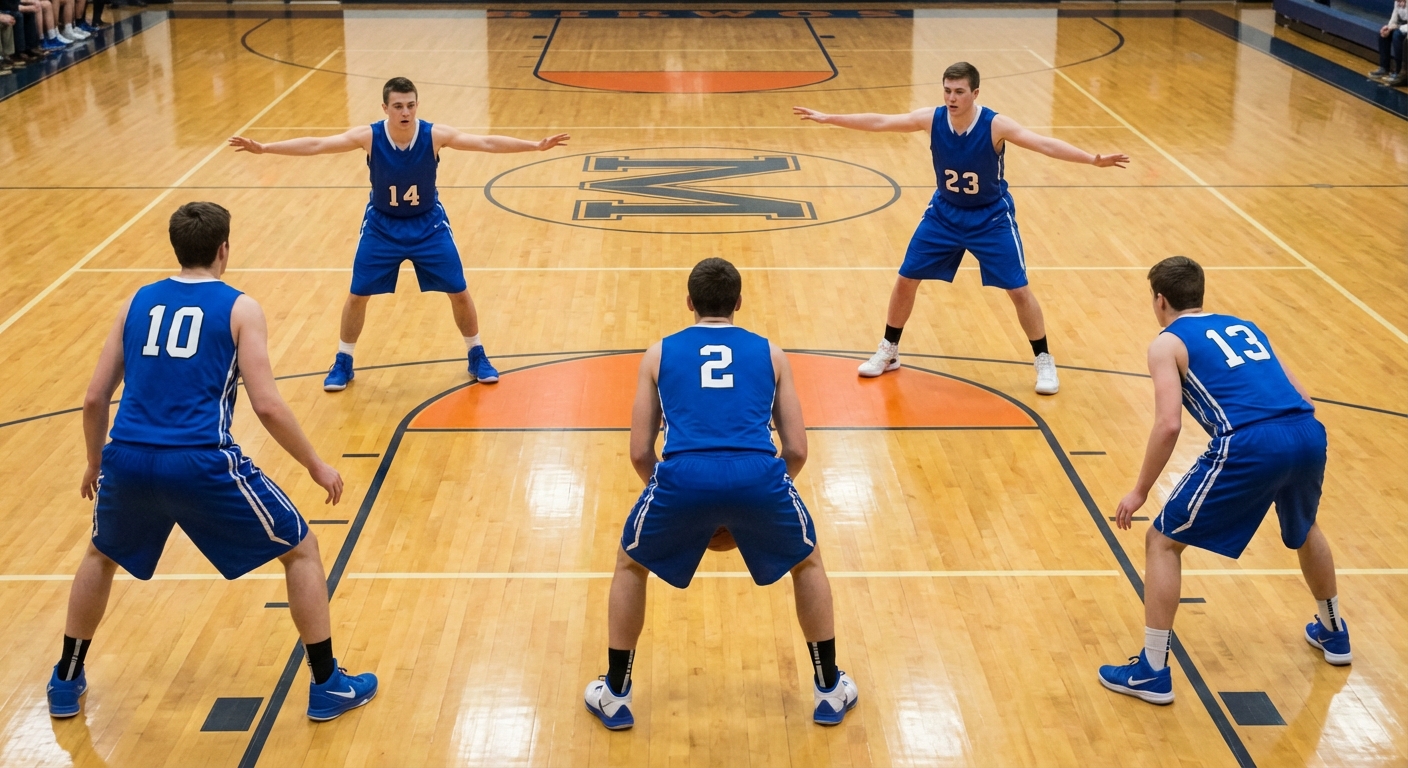
The 2-3 zone defence remains one of the most effective defensive systems in basketball when coached and executed properly. This guide covers the fundamentals of running a 2-3 zone, including player roles, rotations, and when to deploy it for maximum impact.

How do I save the Sessions of the Week?
Why can't I see the animations?
Why can't I play this video in my browser?
When printing can I hide the description and just see my notes?
My question is not here
Please find video tutorial here - Copy to My Stuff
To view all videos and animations, you will need the Adobe Flash Player
Your system must meet the following requirements to stream videos in Sportplan Video:
- Windows 2000 or higher with latest updates installed or Mac OS X 10.3 or higher - Firefox 1.1+, IE 5.0+, or Safari 1.0+
- A broadband connection with 500+ Kbps If you're having trouble watching streaming videos, please make sure that you have the Adobe Flash Player plug-in installed on your computer. If you don't have the Flash Player plug-in installed, you can install it at https://www.adobe.com/shockwave/download/alternates/If you already have Flash installed, please try uninstalling it by visiting https://www.adobe.com/cfusion/knowledgebase/index.cfm?id=tn_14157
After you've uninstalled all versions of the Flash Player that may exist, restart your computer.
Then, reinstall the Flash Player by visiting https://www.adobe.com/shockwave/download/alternates/
If videos still won't play in your browser, you may need to enable JavaScript.
To enable JavaScript in Internet Explorer, follow these steps:
1.From the "Tools" menu, select "Internet Options."
2. From the "Security" tab, click "Custom Level."
3. Scroll down to the "Scripting" section and enable "Active scripting."
4. Click "OK" twice to exit "Internet Options."
5. Close all browser windows and relaunch a new browser window.
To enable JavaScript in Firefox, please follow these steps:
1. From the "Tools" menu, select "Options."
2. Check the "Enable JavaScript" check box.
3. We also recommend checking the "Load images automatically" check box.
4. Click "OK." Finally, if you have ad blocker, popup blocker, internet security, or anti-virus software installed, it may cause JavaScript to malfunction. Many browsers and applications allow you to disable the blocking or security mechanisms for specific websites. Disabling these features for https://video.google.com will disable them within Google Video's individual playback pages as well.
When editing the notes in a practice there is a check box to say if description (eg sportplan notes) is visible on the print out and if the notes (your notes) are visible.


Register for FREE and get coaching tips, top drills, session and more every week!